Changelog: new features and fixes
Every change to the converter, newest first, with the date it went live and a link to the page that explains it.
Updated 31 October 2026
This is the convertpdftocad changelog: every change to the free PDF to DXF converter on this site, newest first, with the date it went live. The converter has no version numbers. It runs in your browser and loads from the server each time you open the page, so the date is the version.
What does the converter do today?
Here is the state of the tool on 31 October 2026. Each later entry on this page changes a line in this table.
| Feature | What it does today |
|---|---|
| Input | PDF files, vector or scanned, read with pdf.js 4.10.38 |
| Output | DXF R12 with one layer per colour, text as TEXT, filled areas on a PDF_FILL layer |
| Curves and circles | 12 straight segments per Bezier curve, 48 per circle |
| Scale | Set scale with two clicks; type the length in mm, cm, m, inches or feet; output in mm or inches |
| Scanned pages | Traced into closed outlines at up to 200 dpi |
| Free use | One PDF at a time, up to 5 pages at once, up to 20 MB |
| Batch pass | €12 for 24 hours: several PDFs into one ZIP, any length, any size |
| Privacy | The PDF never leaves your browser; 0 bytes of your drawing reach a server |
To see it work on your own drawing, convert PDF to CAD on the home page. The steps inside are explained in how the converter works.
What changed on 31 October 2026?
Regression check, no change in output. We converted the laser-cut sign test drawing on the live site this morning and compared the DXF with the file from the 30 October benchmark. The two files are identical, byte for byte, so the conversion itself did not move overnight. You can repeat the test with sign.pdf and compare your result with sign.dxf.
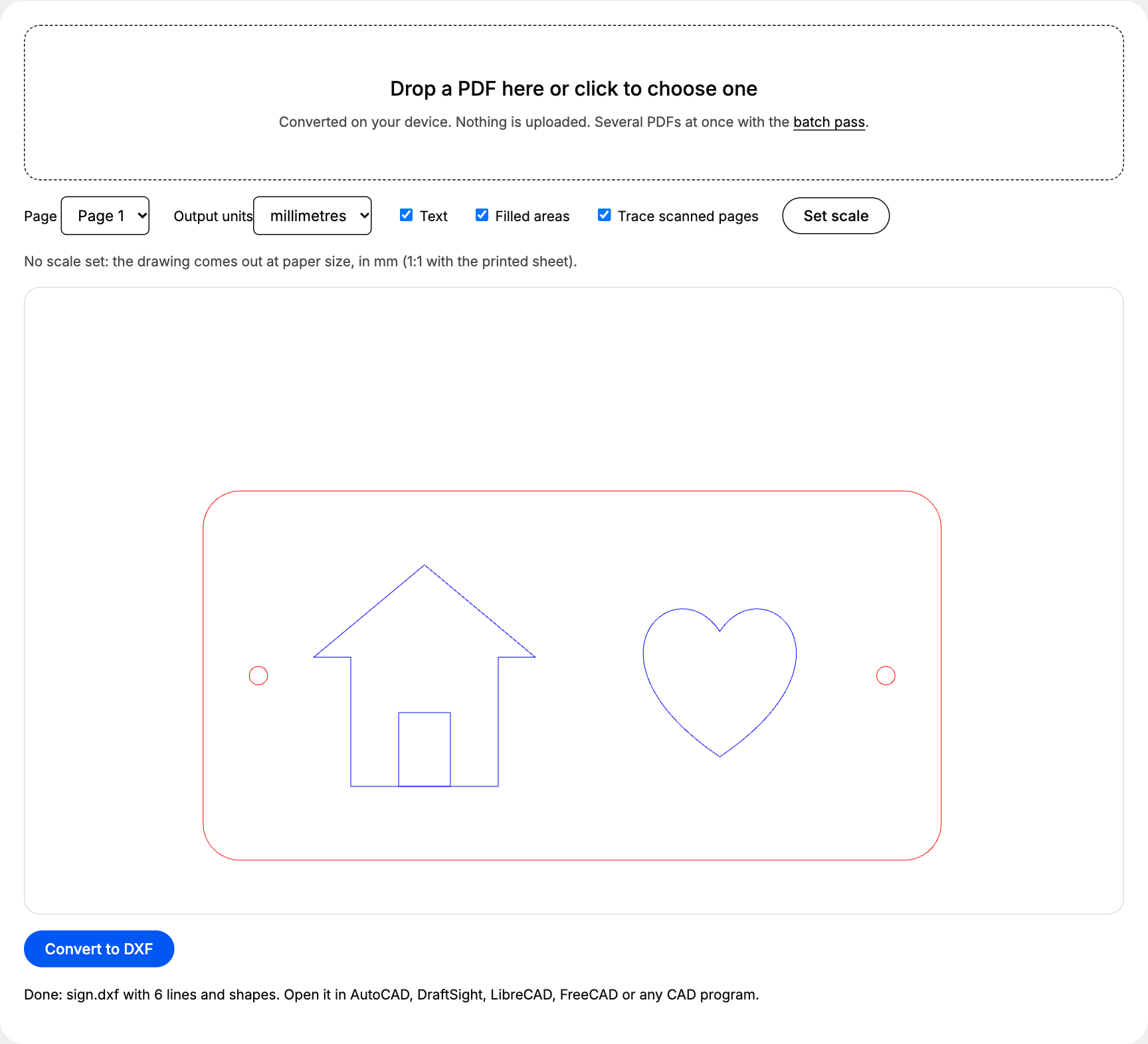
New page: this changelog, so you can check what changed before you trust a new result.
What shipped on 30 October 2026?
Launch day. Things went live in this order.
1. The converter and its first guides. PDF to DXF R12 conversion inside the browser, using pdf.js, the open-source PDF engine Mozilla builds for Firefox. Lines, curves, text and colours come across, the scale tool sets real sizes, and scanned pages are traced with Otsu’s threshold and imagetracerjs, a public-domain tracing library. Guides went live for PDF to DXF, PDF to DWG, scaling a PDF drawing, scanned PDFs and the FAQ.
2. Contact form. Questions and badly converted drawings go through the form on the contact page.
3. Batch pass on sale. The batch pass costs €12 through PayPal and unlocks several PDFs into one ZIP, long PDFs and big files for 24 hours in that browser. No account needed.
4. Proof pages. The accuracy results went live with five test drawings and their PDF and DXF files to download, next to the how-it-works page and the first landing page for one drawing type, the floor plan to CAD converter, with its own 1:50 test plan.
How does a change reach the live converter?
Every change to the conversion code goes through the same five test drawings before it ships. If a measured number moves, the accuracy page gets the new number and this page says why.
From a code change to a changelog entry
How much does your browser download to run it?
Because the converter runs on your device, the program itself is the download. We measured the compressed transfer sizes on the live site on 31 October 2026.
Converter download per visit, compressed, in KB
| pdf.js worker | 397.5 KB |
|---|---|
| Converter script | 107.2 KB |
| JSZip | 27.8 KB |
| Your PDF sent to us | 0.0 KB |
When a release makes these files bigger or smaller, the new sizes go into its entry.
Who makes these changes?
A small team builds and tests the converter, and the batch pass pays for the site. Read about the converter for why it runs in your browser and how it stays free, or send a request through the contact form.
Questions about convertpdftocad changelog
When does the converter get updates?
When a change is ready and has passed the five test drawings behind the accuracy results. It gets a dated entry on this page the day it goes live.
Do updates change DXF files I already made?
No. Your DXF files sit on your own computer and the converter never sees them again. A fix only changes the files you convert after it went live.
Do I need to install or update anything?
No. The converter loads in your browser each time you open the page, so you always run the latest version. If a release goes live while your tab is open, a hard refresh (Ctrl+F5, or Cmd+Shift+R on a Mac) picks it up.
Can I ask for a feature?
Yes. Use the form on the contact page and tell us which file type or CAD program you work with. We read every request.